

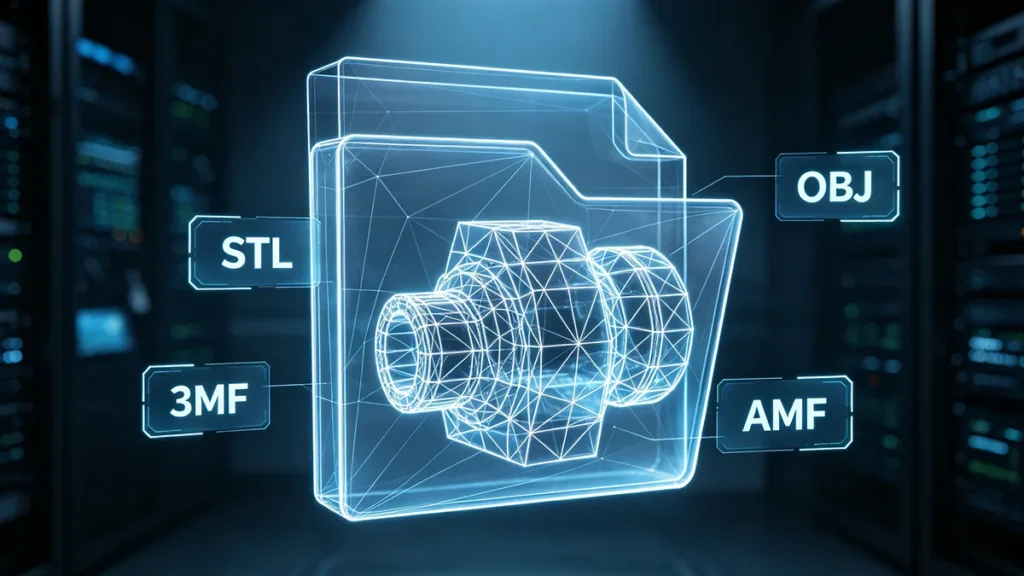
The 3D printing revolution has changed the way modern products are manufactured, by printing them straight from a digital design. The use of digital file preparation for additive manufacturing (AM) is essential, especially in the fields of rapid prototyping, aerospace production, and medical applications. 3D printing file formats are a critical part of the process the type of data as they determine how data is stored, sent, and understood by software and machines [1].
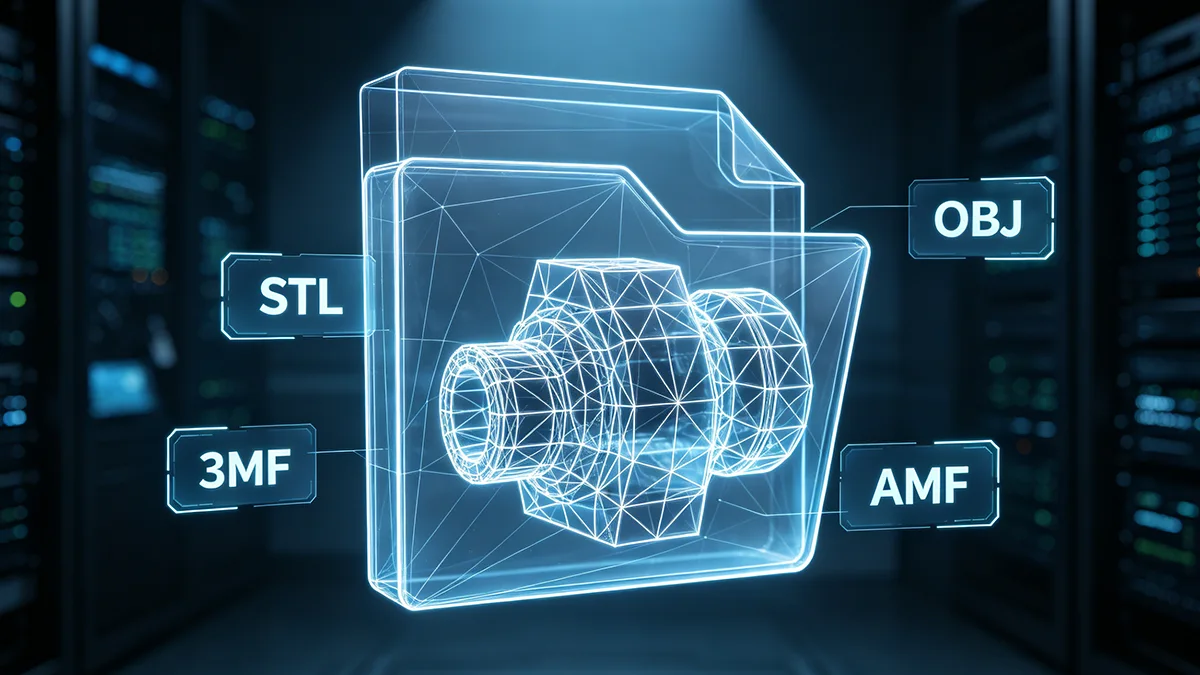
What Makes a Good 3D Printing File Format?
The ideal 3D printing file format should take into account accuracy, compatibility, efficiency, and functionality. Precision is crucial to ensure that parts fit together perfectly and function as intended, or that they meet mechanical or surface specifications. Geometrically consistent formats with little approximation are often useful in engineering and industrial applications.
The match must also be compatible. A format should seamlessly integrate into CADs, slicers, and printer ecosystems. Popular formats facilitate collaboration and minimize delays in the workflow due to compatibility concerns or a lack of functionality.
Productivity is also affected by the size of the file and its efficiency. Any large file will take up more storage and will need more power when slicing. Efficient formats are compression and data structure optimized to enhance performance without compromising quality.
Supporting color, textures, and various materials is becoming increasingly important for advanced manufacturing. Today, file formats are designed to carry more information than mere geometry. These can include metadata, printer profiles, and manufacturing instructions that help to simplify the manufacturing process and minimize errors.
What Are the Various 3D File Formats?
STL File Format
STL is the most popular 3D printing file format and has been used for decades. It stands for models that are created by approximating the 3D surface of an object using triangles. It’s easy to use and can be printed on a wide range of devices, making it suitable for simple printing jobs and quick prototypes.
Universal support is one of STL’s greatest assets. STL files are easily shared and can be printed by almost any slicing software and 3D printer. They are also lightweight and relatively easy to produce from CAD systems.
But STL has its drawbacks. It does not include color, texture, material information, or metadata. Triangles are also used to approximate curved surfaces, but if the mesh resolution is low enough, then the curved surfaces can become faceted. STL is widely used and considered the most reliable format, despite newer formats being able to provide more sophisticated features.
OBJ File Format
Wavefront Technologies created the OBJ format for computer graphics and 3D modeling programs [2]. In addition to geometry, OBJ files can include textures, colors, and material properties, unlike STL. This makes it an ideal choice for 3D printing full color, animation, and artistic models.
OBJ files are text-based files that define vertices, polygons, and texture coordinates. Many material properties are also stored in an MTL file that describes surface appearance and shading properties. Due to these features, the OBJ model has become popular in fields where realistic visuals are essential.
Although there are benefits to the OBJ file, it may end up being more inefficient and larger files for industrial manufacturing workflows. The format emphasizes the visual detail instead of manufacturing optimization. However, it is still widely used in creative fields and high-end visualization applications.
AMF File Format
The Additive Manufacturing File format (AMF) was developed to improve on STL. AMF’s structure is based on XML, which enables it to store more information: colors, materials, curved surfaces, and lattice structures. This renders it more suitable for advanced AM applications.
AMF optimizes memory usage and speeds up systems by allowing compact and highly compressed geometric data. The AMF format utilizes a hybrid of polytypes and flat triangles, allowing for more efficient specification of curved surfaces than STL does, but still keeping the file sizes manageable. The result is an increased quality of prints as well as more accurate reproductions of complicated geometries.
In spite of technical benefits, AMF has not been widely adopted in industry. The use of AMF in mainstream workflows is limited by many slicer and printer manufacturers, who still have STL and 3MF support in mind. However, it is still a crucial format for proving the development of additive manufacturing standards.
3MF File Format
The 3MF Consortium has created an updated STL format called 3MF. It was specifically created for additive manufacturing and tackles lots of the drawbacks of older designs. Within a single package, 3MF supports geometry, textures, colors, materials, metadata, and print settings.
A significant advantage of 3MF is its reliability. This makes it easy to transfer the files and reduces the risk of losing data or misinterpreting the data when it is transferred. It also employs compression methods that provide high detail and low file sizes.
The use of 3MF is becoming more widespread in the professional and industrial world as it streamlines workflow and caters to modern manufacturing needs. Multi-material printing and multi-color printing are now gaining in popularity, and 3MF is likely to be an even greater part of future AM systems.
PLY File Format
The Polygon File Format (PLY) is a format developed at Stanford University, mainly for 3D scanning and research purposes. The format is capable of holding information about the geometry as well as vertex properties like color, and transparency.
PLY is useful for objects with detailed surface data, such as those scanned. This can be beneficial in reverse engineering, cultural preservation, medical imaging, and digital archiving. In the field of research, PLY is frequently used with point clouds and extremely intricate surface reconstructions.
PLY is a rich geometric file format, but not as widely used in the main 3D printing workflows. This format is not supported by many of the slicers, and will need to be converted to a more common file type for printing.
G-Code File Format
G-Code is not a model format like STL, but is a language of machine instructions. It includes commands to control printer operations such as movement, extrusion, temperature, and speed. Slicing software creates G-Code from a printable model [3].
G-Code is read one line at a time; each line is a machine action. The printer processes these instructions one by one and creates the object layer by layer. G-Code is an integral part of accurate manufacturing execution, as it directly affects hardware behavior.
G-Code offers a lot of customization options, and for more advanced users, they will be able to fine-tune their printer’s performance to get a better print quality. It is very printer-dependent, however, and can be quite tricky and hazardous for the unskilled printer operator to alter the commands manually.
What are the Common Problems with 3D Printing File Formats?
Non-Manifold Geometry
Non-manifold geometry is one of the most common problems that can be faced during the 3D Printing workflow. A non-manifold model is a model that has geometry that is flawed, and the printer/slicer is unable to accurately read the model as a solid object. Overlapping faces, face holes, inverted normal vectors, and multi-faceted edges are examples of problems that can arise [4].
These mistakes typically happen when performing more complicated modeling tasks or when the file is being converted from one software to another. Failure to resolve the non-manifold geometry can result in missing layers, failed prints, or weak structures in the final product. Modern CAD or slicing software have in-built meshing repairing functions that automatically detect and repair these problems before the print.
Corrupted or Incomplete Files
However, corrupted or incomplete files can cause disruption in the entire manufacturing process. Corruption can happen during file export, storage, transfer, or software conversion. If geometry is missing or the data structures have been damaged, in some cases, the slicer will not load the model correctly.
This can also happen due to the incompletion of the file being downloaded, software bugs, or incompatibility between CAD software and slicers. These problems may lead to models that are not accurate, unusual holes, or cuts that may affect print quality. Designers should always check the files after exporting and ensure that they are protected when transferring files and storing them.
Scaling and Unit Problems
Errors in dimensional accuracy in 3D printing are common, especially due to scaling and unit mismatches. CAD systems and slicers can take different looks at the same measurement units, particularly between inches and mm. The size of a model created in one unit system can then look drastically different in another application.
Such differences may lead to serious manufacturing issues, especially for engineering components with tight tolerances. Correct dimension checking before slicing is a key point to take into consideration when producing with accuracy. A lot of professionals do the test measurement and calibration checks prior to production, to be precise.
Mesh Resolution Issues
The resolution of the mesh plays a crucial role in achieving a balance between print quality and file efficiency. If a mesh has extremely low resolution, it could result in obvious faceting and rough curves; the geometry is only being represented by a small number of polygons. This decreases the quality of what is being printed, both in terms of visuals and size.
On the other hand, very fine meshes result in unnecessarily large file sizes, thereby using more storage and making the slicing process slower. High polygon counts also require a lot of processing and provide little benefit in terms of print quality. A good mesh optimization will produce smooth surfaces without compromising the workflow efficiency.
Best Practices for Managing 3D Printing Files
To ensure accurate and efficient prints, it is important to optimize the quality of the mesh. A large number of polygons should be used to maintain accurate curves and geometry, but not create too large a file. Use of modern mesh repair and optimization tools can eliminate redundant geometry, close holes, and enhance the consistency of the mesh structure.
Balanced mesh resolution reduces the number of software errors and improves slicing speed. Clean geometry also helps to ensure dimensional accuracy and surface quality of the final printed part.
The right organization of files makes it easier to manage workflows and less confusing during production. A consistent naming convention, version control systems, and organized project folders facilitate the tracking of design revisions and manufacturing files.
Organized file management is particularly crucial in professional manufacturing settings, as numerous teams could be working on the same project. Clear file systems make things more efficient, less duplicated, and minimize the risk of using an old model.
الخاتمة
3D printing file formats are a fundamental part of additive manufacturing because they determine how digital designs are stored, transferred, and interpreted throughout the production process. From basic geometry representation in STL files to the advanced capabilities of formats such as 3MF and AMF, each file type serves a specific purpose depending on the application, printer technology, and workflow requirements.
المراجع
[1] Tewolde, M. & Conniff, M. (2026, April 30) 9 Most Common 3D Printing File Types. https://www.xometry.com/resources/3d-printing/3d-printing-file-types/
[2] Douglas, K. (2023, August 22). The Main 3D Printing File Formats. https://all3dp.com/2/3d-file-format-3d-model-types/
[3] JLC3DP (2025, December 25).Understanding the Key 3D Printing File Formats. https://jlc3dp.com/blog/3d-file-formats
[4] Protolabs Network (2026). What Are The Top STL file errors? Here’s How to Fix Them. https://www.hubs.com/knowledge-base/fixing-most-common-stl-file-errors/





 AR
AR  EN
EN  ES
ES  FR
FR  DE
DE  IT
IT  PT
PT  NL
NL  PL
PL  JA
JA  KO
KO  ZH
ZH